
Live TV with guide, movies and series with cover art, profiles and parental control. Try it free for 15 days: no card and no commitment.
⚠️ Important notice: Kastoo is only a player. We do not sell, host or include lists, channels, movies or subscriptions: you add the ones from your provider.
Enjoy all features free for 15 days. After that, activate your licence with a single payment: no subscriptions and no automatic renewals. Each licence covers 3 devices.
🔒 Secure payment with Stripe: card, Apple Pay or Google Pay.
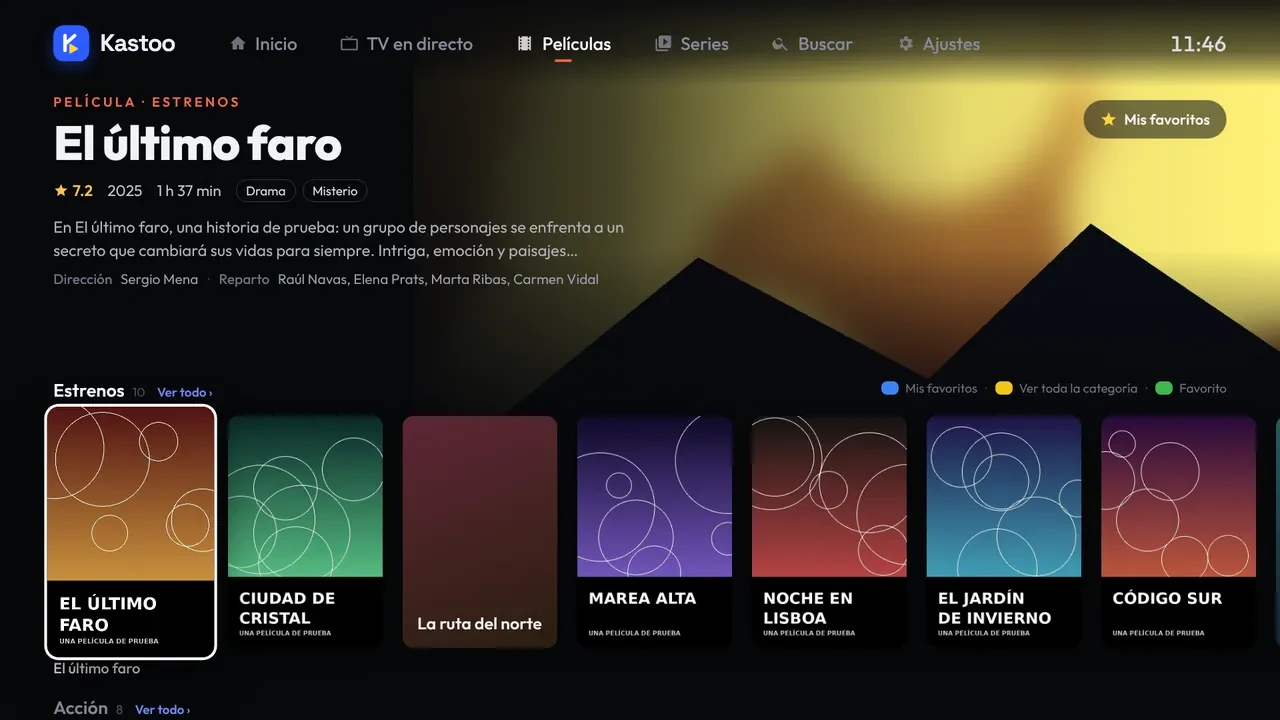
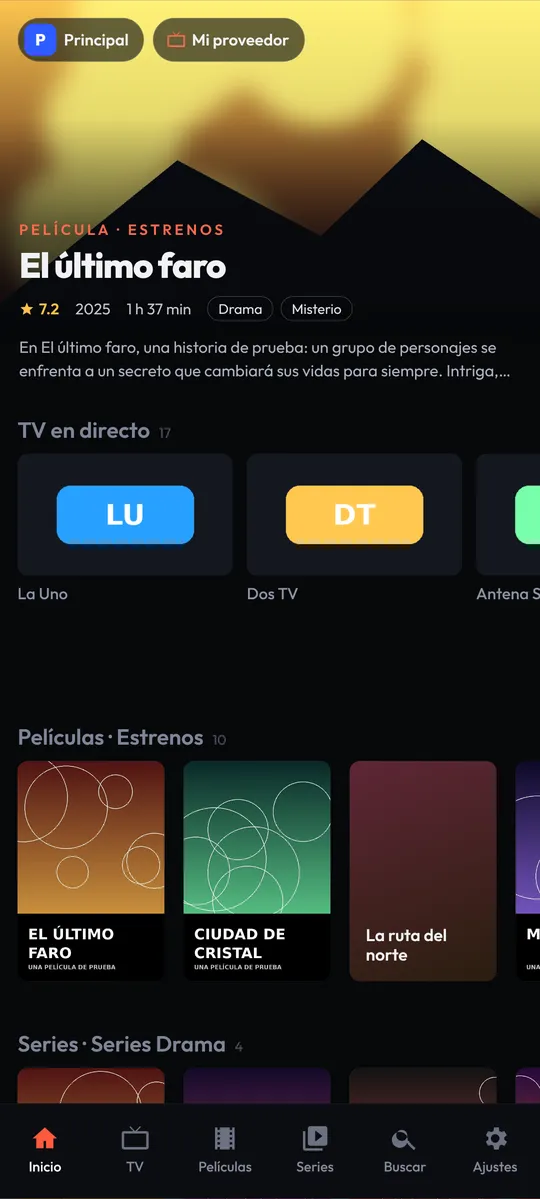
Designed to be used with the TV remote and with your finger on your phone.
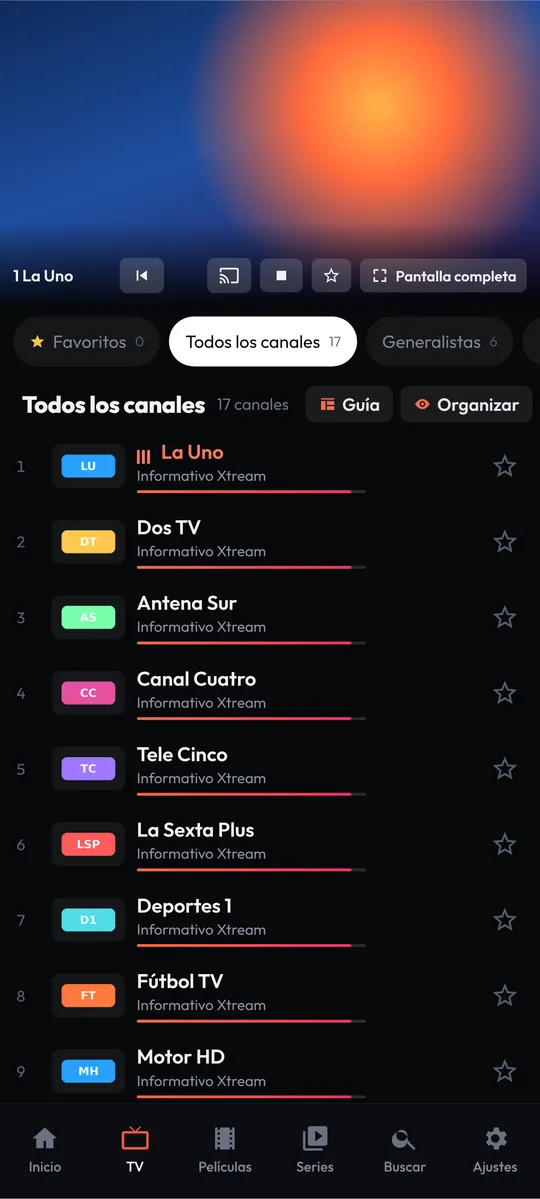
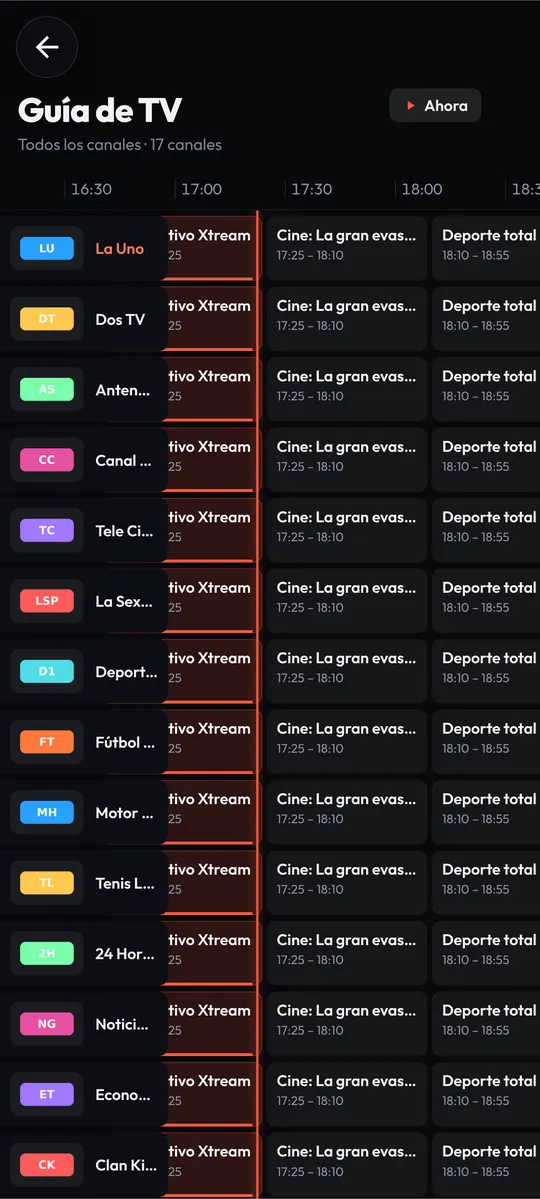
Categories, favourites, preview, previous channel and a grid programme guide.
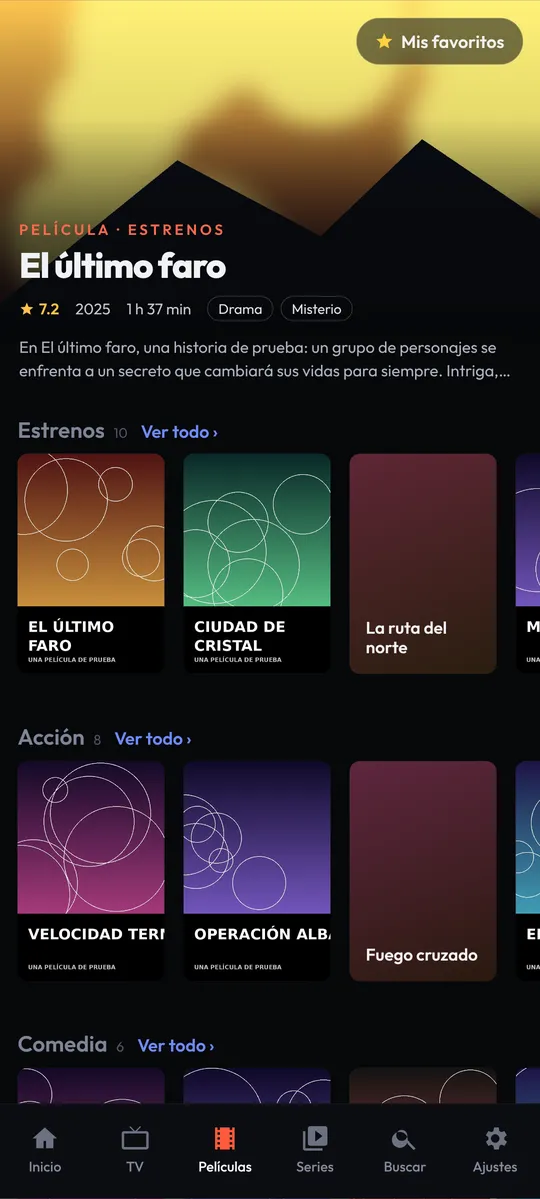
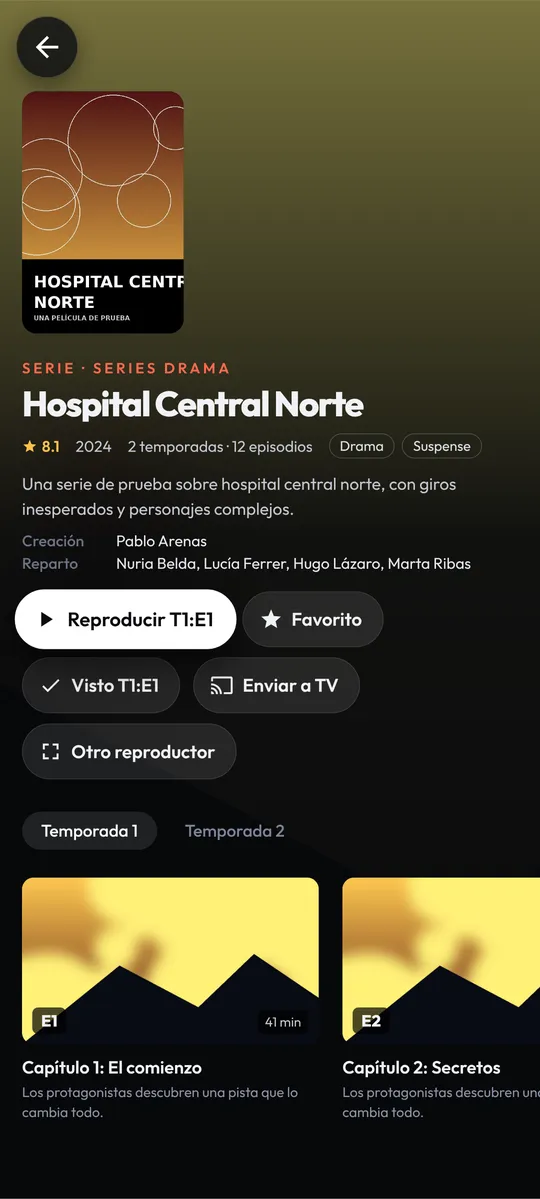
Cover art, synopsis and cast. “Continue watching”, watched marks and automatic next episode.
Everyone gets their own favourites and history. Parental control with a PIN for the categories you choose.
List 1, List 2… each from a different provider. Check on the web whether your subscription is active.
From your phone to your TV, to Chromecast or to compatible Smart TVs (DLNA), with one tap.
Listen to your channels in the car: favourites, recent items and voice search.
Choose track and language, 13 picture formats, sleep timer and floating window.
Favourites, watched items and profiles synced between your phone and your TV. Nothing is lost when you reinstall.
Follows your phone's mode, and a bigger or smaller interface, as you like it.
A modern interface, quick at changing channels and easy to use.
Install it, you'll see a QR code on screen and in a minute you'll have your lists.
For phones, tablets, TV boxes and Android TV / Google TV (Android 7 or later). On the TV, install it with the Downloader app: see guide. When installing, Android will ask you to allow apps from this source: this is normal outside Google Play.
Download APKExtension for Google Chrome and Microsoft Edge on Windows, Mac and Chromebook. See guide.
Install on Chrome Install on EdgeVery soon on the LG Content Store. We'll announce it here as soon as it's published.
Coming soonWe're getting it ready for Google Play so that it updates itself.
Coming soonOn your TV or your phone. You'll see a QR code with that device's MAC and key.
Scan the QR code or go to My Kastoo and enter your provider's username and password or the M3U URL.
The app receives the list by itself in a few seconds. If you have several, you choose which one to watch from Home.
Installation, lists, licence and fixes for the most common problems, step by step.
No. Kastoo is only a player: it does not sell, host or provide any content. You need a list from a provider and the rights to watch it.
M3U and M3U8 lists (by URL) and Xtream Codes accounts (server, username and password). With Xtream you also get the movies, the series, the guide and your subscription's expiry date.
No. You pay once for 1 or 3 years and it does not renew automatically. When it expires, you can buy another period if you want.
Each licence covers 3 devices. From “My Kastoo” you can add or remove devices whenever you like, or enter the licence code in the Settings of the other device.
The app will show you how to activate it. Your lists, favourites and profiles are kept; only playback is paused until you activate it.
The licence is activated immediately, so there is no right of withdrawal. But if Kastoo doesn't work as described and we can't fix it, we'll refund you. It's all in the terms of purchase.
Only what's necessary: your lists, your backup of favourites and watched items and, if you buy, your licence and the email address for the receipt. No advertising: visits to the website are counted anonymously and, only if you accept it, with Google Analytics. Details in the privacy policy.
Before writing, have a look at the help guides: they answer the most common questions straight away. If you can't find it, write to us at contacto@kastoo.es and we'll reply as soon as possible.
We use Google Analytics cookies to find out how many people visit the website and improve it. They are only enabled if you accept them. More about cookies