 Kastoo
Availability Available
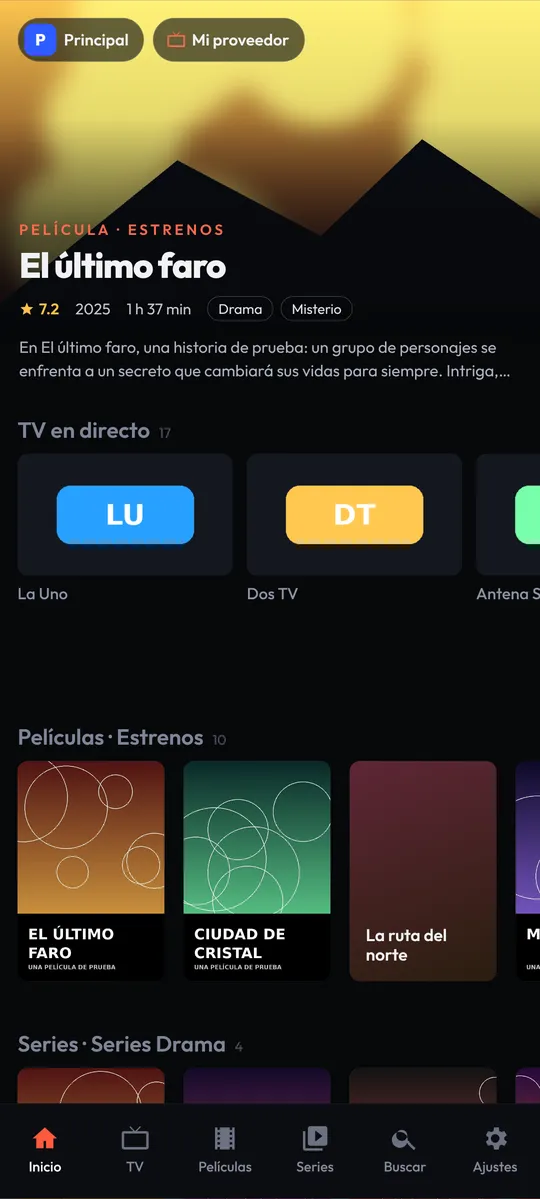
It comes included in the Kastoo app for Android. Install it on your phone and it will appear in Android Auto by itself.
What you need
- A phone with Android 7 or later and a car or head unit compatible with Android Auto.
- Kastoo installed on your phone, with your list already added.
- A mobile data connection on your phone.
How to get started
- Install Kastoo on your phoneAnd add your list as usual.
- Connect your phone to the carWith a cable or wirelessly, however you use Android Auto.
- Open Kastoo in Android AutoYou will find it among the audio apps. Pick a favourite or a recent channel, or search for it by voice.
What you can do
Favourites and recents
Your usual channels one tap away, with no searching while you drive.
Voice search
Ask for the channel by name.
Audio only
For safety, only the sound plays in the car.
Radio and TV
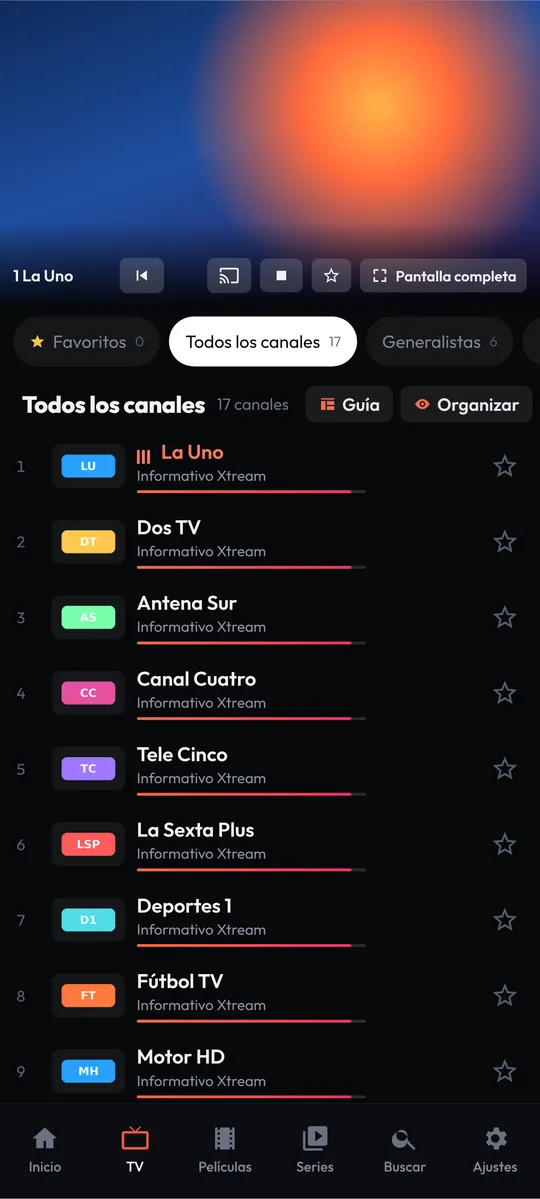
Listen to any channel on your list, including radio stations.
Price
Free for 15 days with all features. After that, €4.00 for 1 year or €10.00 for 3 years, as a one-off payment and for up to 3 devices.
Frequently asked questions
Can I watch video on the car screen?
No. For safety, and in line with the Android Auto rules, Kastoo only plays the sound in the car.
I cannot see Kastoo in Android Auto. What should I do?
Check that Kastoo is installed on your phone and that you have added a list. If you installed Kastoo from outside Google Play, you may need to allow unknown sources in the Android Auto developer settings; once it is on Google Play this will not be necessary.
Do I need to pay extra?
No. It comes included in Kastoo for Android and uses the same licence.
Guides for this device
- Send to the TV (Chromecast and DLNA) and use Android Auto
- How to install Kastoo on Android, Android TV and TV boxes
- How to add an M3U list or an Xtream Codes account