 Kastoo
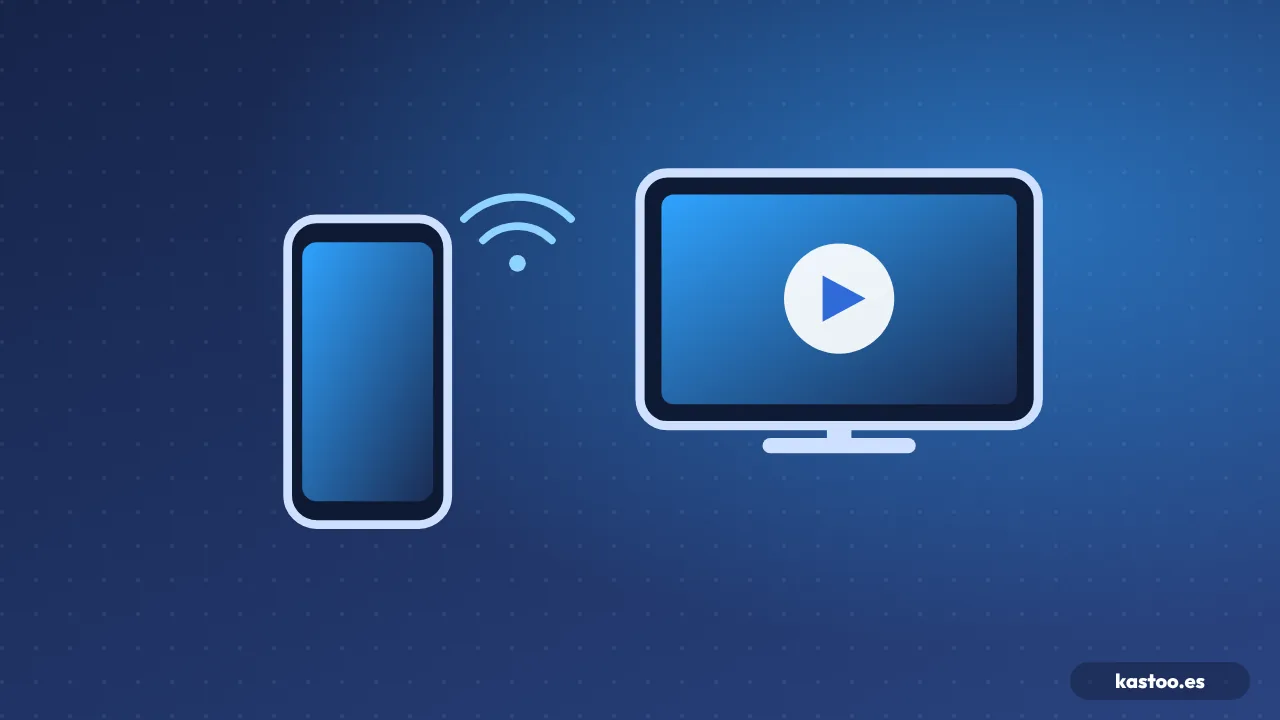
If you already watch your list on your phone, you can send it to the TV without cables. With an Android phone you use Chromecast (Google Cast) or DLNA; with an iPhone or iPad, AirPlay. The phone acts as a remote and the TV plays the channel by itself.
What you need
| System | From | On the TV |
|---|---|---|
| Chromecast (Google Cast) | An Android phone | A TV with built-in Chromecast or Google TV, or a Google TV Streamer |
| AirPlay | An iPhone or iPad | An Apple TV or an AirPlay-compatible TV (many Samsung, LG and Sony models from 2018–2019 onwards) |
| DLNA | An Android phone | Almost any smart TV on the same network |
In every case, the phone and the TV must be on the same Wi-Fi network.
With Chromecast or Google Cast
- Connect your phone to the same Wi-Fi as the TV.
- Open the channel in your player and tap the cast icon (a rectangle with waves).
- Choose your TV. The channel moves to the TV and your phone is free to use as a remote.
With AirPlay (iPhone and iPad)
- Open the channel in the player.
- Tap the AirPlay icon (a rectangle with a triangle) and choose the TV or Apple TV.
- If your player doesn’t show the icon, use Screen Mirroring from Control Centre, although it looks worse and uses more battery.
With DLNA
DLNA is older, but almost every smart TV supports it. The player sends the video address to the TV, which plays it with its own player, so some formats may not work.
If it doesn’t work
- The TV doesn’t appear: check that both are on the same Wi-Fi (not the guest network) and restart the router if it has been a while.
- It sends but nothing shows: some channels use formats the receiver doesn’t support. Try another channel or the HLS format if your provider allows it.
- It buffers: the TV gets the video straight from the internet, so its Wi-Fi needs to be good. See how to connect your TV to the internet.
Cast or have the app on the TV?
Casting is handy for occasional viewing. If you watch TV every day, having the player installed on the TV or a TV box is more stable and doesn’t depend on your phone. With Kastoo, one licence covers 3 devices.
Frequently asked questions
Does casting drain my phone’s battery?
Very little with Chromecast, AirPlay or DLNA, because the TV downloads the video. Screen mirroring uses much more.
Can I use my phone while it plays on the TV?
Yes, with Chromecast and DLNA you can keep using your phone. With AirPlay too, as long as you are not mirroring the screen.
Does it work over mobile data?
No. The phone and the TV must be on the same home Wi-Fi network.
Free for 15 days with all features, no card needed. One licence covers 3 devices.
Kastoo is just a player: it does not sell, host or include lists, channels, movies or subscriptions. The screenshots use a demo list with openly licensed content.