 Kastoo
On a Samsung TV, you watch IPTV with a player app installed from the TV’s own store and the list your provider gives you. It works on Samsung TVs running Tizen; if yours is older, we explain what to do at the end.
1. Check your TV’s system
Samsung TVs from 2015 onwards run Tizen, but today’s apps usually need a recent version. Under Settings → Support → About This TV you can see the model and the software version; the Tizen version follows from the model year:
| TV year | Tizen version |
|---|---|
| 2018 | Tizen 4.0 |
| 2019 | Tizen 5.0 |
| 2020 | Tizen 5.5 |
| 2021 | Tizen 6.0 |
| 2022 | Tizen 6.5 |
| 2023 onwards | Tizen 7.0 or later |
2. Have your list ready
You need an M3U URL or the details of an Xtream Codes account (server, username and password) from your provider. With Xtream you also get movies, series and the guide. More details in M3U or Xtream Codes: the differences.
3. Install a player from Apps
- Open AppsPress the home button on the remote and go to Apps (the four-squares icon).
- Search for the playerUse the magnifying glass and type its name.
- Install itPress Install. If the TV asks for your Samsung account, sign in.
- Open itYou’ll find it on the home bar.
As on LG, some players are free and others charge a paid activation per TV. Look for one with a free trial that supports your type of list.
4. Add your list from your phone
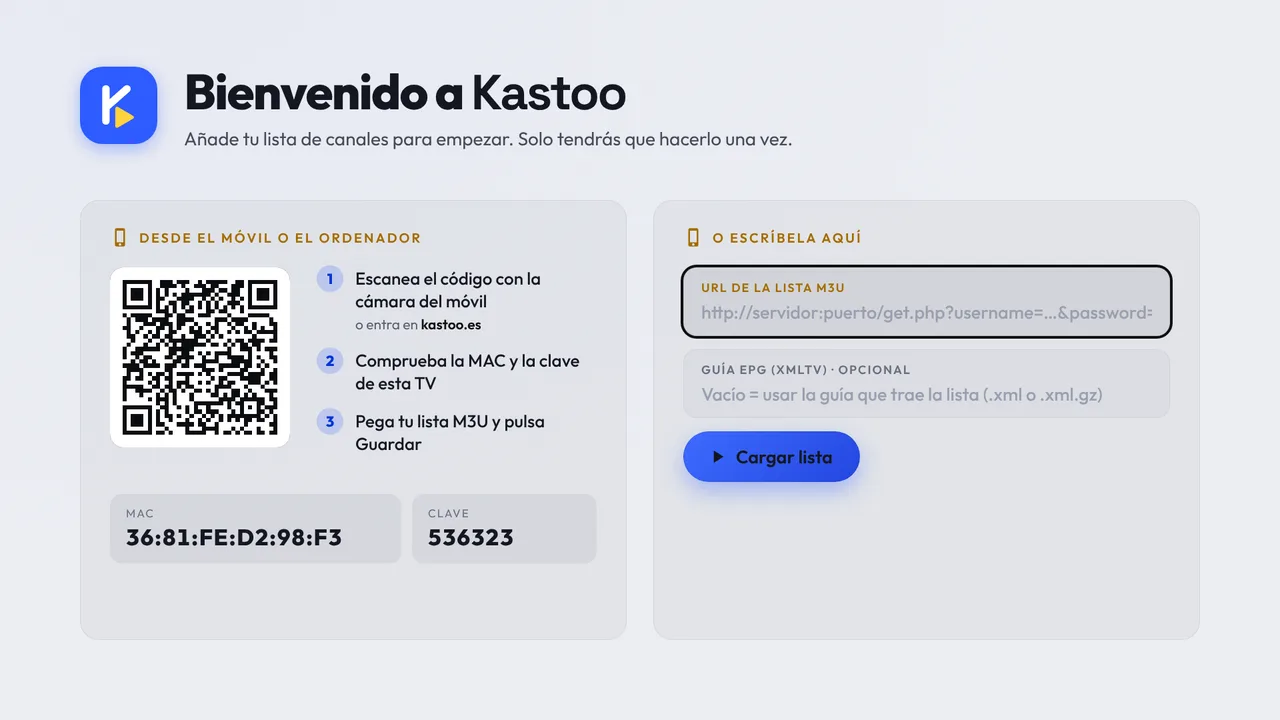
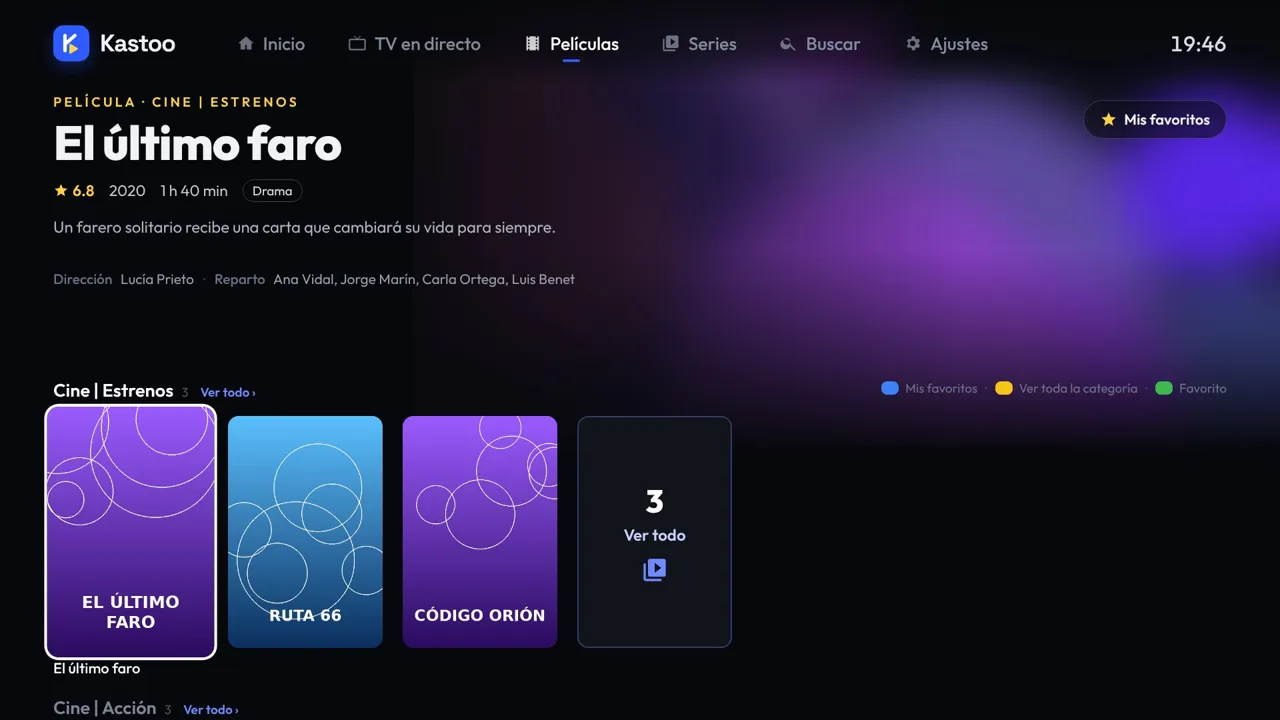
With Kastoo you don’t have to type with the remote: when you open it you’ll see a QR code. Scan it with your phone, enter the list in My Kastoo and the TV receives it by itself in a few seconds.
What if my Samsung is an older model?
On Samsung TVs from before 2018, the store often doesn’t show current IPTV apps, or they run slowly. You have two options:
- Plug a TV box or an Android TV / Google TV device into the HDMI port. It doesn’t cost much and is usually faster than the TV itself. Kastoo works there: see Kastoo on Android TV.
- Send the video from your phone to the TV, if it supports DLNA. We explain how in send to the TV.
Tips to keep it running smoothly
- If you can, connect the TV with a network cable; if not, use the 5 GHz Wi-Fi.
- Unplug the TV for a minute now and then: that way it really restarts.
- Keep the software up to date in Settings → Support → Software Update.
Frequently asked questions
Is Samsung TV Plus IPTV?
Yes, in a way: it is Samsung’s own service of free channels delivered over the internet. But you can’t use it to open your list; for that you need a player.
Do I have to pay for each TV?
It depends on the player. Many charge an activation per TV. A Kastoo licence covers 3 devices.
Can I watch IPTV on a Samsung without installing anything?
Only if you send the video from your phone or computer to the TV (DLNA). To use it with the remote, you need an app on the TV or a TV box.
Does the app come with channels?
No. You add your provider’s list.
In the meantime, try it free for 15 days on Android or on your computer: you’ll be able to use the same licence once it’s available.
Kastoo is just a player: it does not sell, host or include lists, channels, movies or subscriptions. The screenshots use a demo list with openly licensed content.