 Kastoo
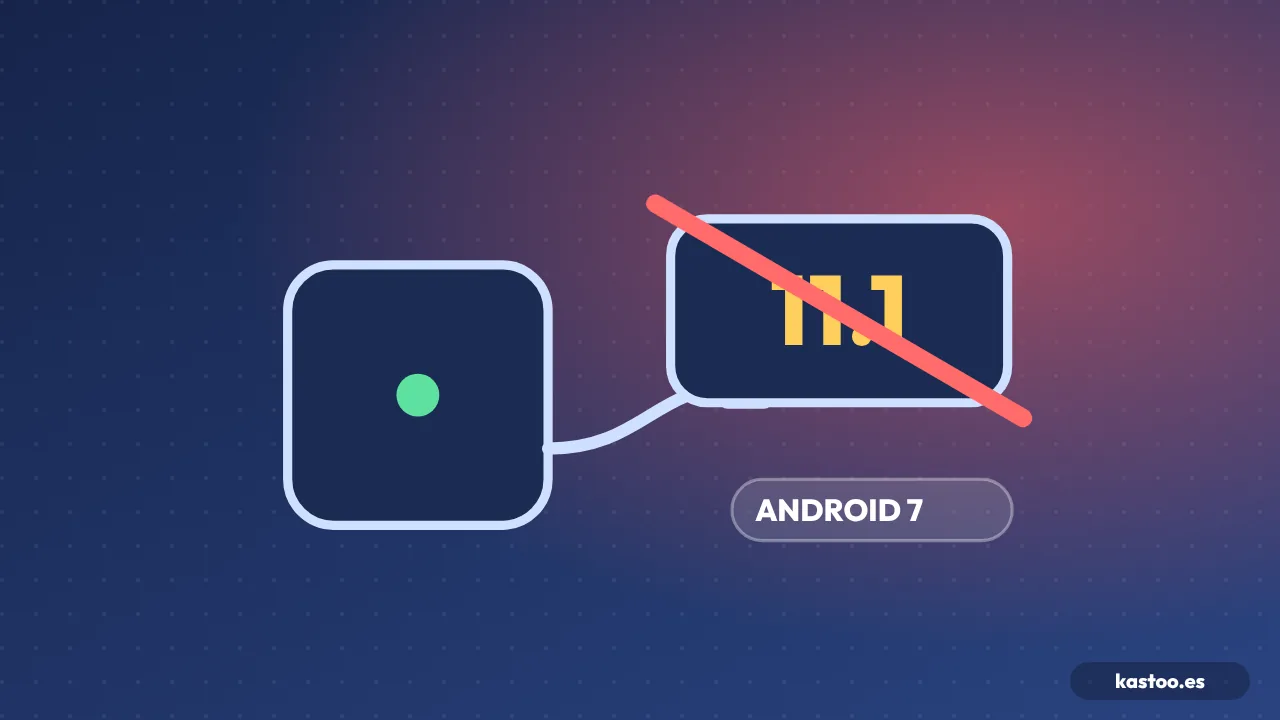
Some very cheap TV boxes claim to run “Android 11.1”, “Android 12.1” or “Android 13” when, inside, they run a version of Android that is almost ten years old. It is not just about numbers: an old system gets no security patches and is the way in for a lot of malware.
A real case
In 2024, a security researcher bought an MXQ Pro 4K that advertised Android 11.1. That version does not exist: Android 11 never had an “11.1”. When it was analysed, the system turned out to be Android 7.1.2, with security patches from 2017 and 2018. Boxes claiming Android 10.1 or 12.1, versions that do not exist either, have also been spotted.
How to check in two minutes
- Look at the version number under Settings → Device Preferences (or System) → About. If it says 10.1, 11.1 or 12.1, be wary: they are not real Android versions.
- Look at the security patch level on the same screen. If it is several years old, the system has been abandoned, whatever the box says.
- Check Google certification: open Google Play → your profile → Settings → About → “Play Protect certification”. The path may vary depending on the device. If it says the device is “not certified” or there is no Google Play, that is a bad sign.
Warning signs when buying
- A very low price with high-end specs (8 GB of RAM, 4K at 120 Hz, “Android 13”).
- An unknown brand, with no official website or updates.
- It is advertised with “free content” or with apps pre-installed from unfamiliar stores.
- It asks you to turn off Play Protect in order to work.
If you already have one
Do not enter passwords or bank details on it, and consider replacing it with a certified device. We explain it in the BadBox malware on cheap TV boxes and in the best TV boxes for IPTV.
Frequently asked questions
Can I update Android myself?
On these boxes, almost never: the manufacturer does not release updates. Installing firmware from forums only adds more risk.
Does a system information app tell the truth?
It shows what the system reports, which may be faked. The security patch level and Play Protect certification are more reliable clues.
Does Kastoo work on these devices?
Kastoo works on Android TV and Google TV, but for security we recommend using it on a certified device.
Sources
- Android Set-top Box Lies about Its OS Version, Comes Pre-infected with Malware · CUJO AI (October 2024)
- Q96 X3 a fake Box that boasts Android 13 and 8GB of RAM · AndroidPCTV
Free for 15 days with all features, no card needed. One licence covers 3 devices.
Kastoo is just a player: it does not sell, host or include lists, channels, movies or subscriptions. The screenshots use a demo list with openly licensed content.